Artboard Academy

Create Smooth Subtitle in Premiere Pro

Animated Subtitles

Free Resources 👇 👇

Fill the Form Below to Download Free Resources 👇 👇


How to Create Smooth Subtitle in Premiere Pro

00:00 – Intro
00:48 – Fix Sequence Settings
01:05 – How to Create Transcript to Video
02:42 – How to Use Submachine Plugin to Create Animated Subtitles
10:45 – How to Install Submachine Plugin to Create Animated Subtitles
13:30 – Outro

Thank You
Related Articles

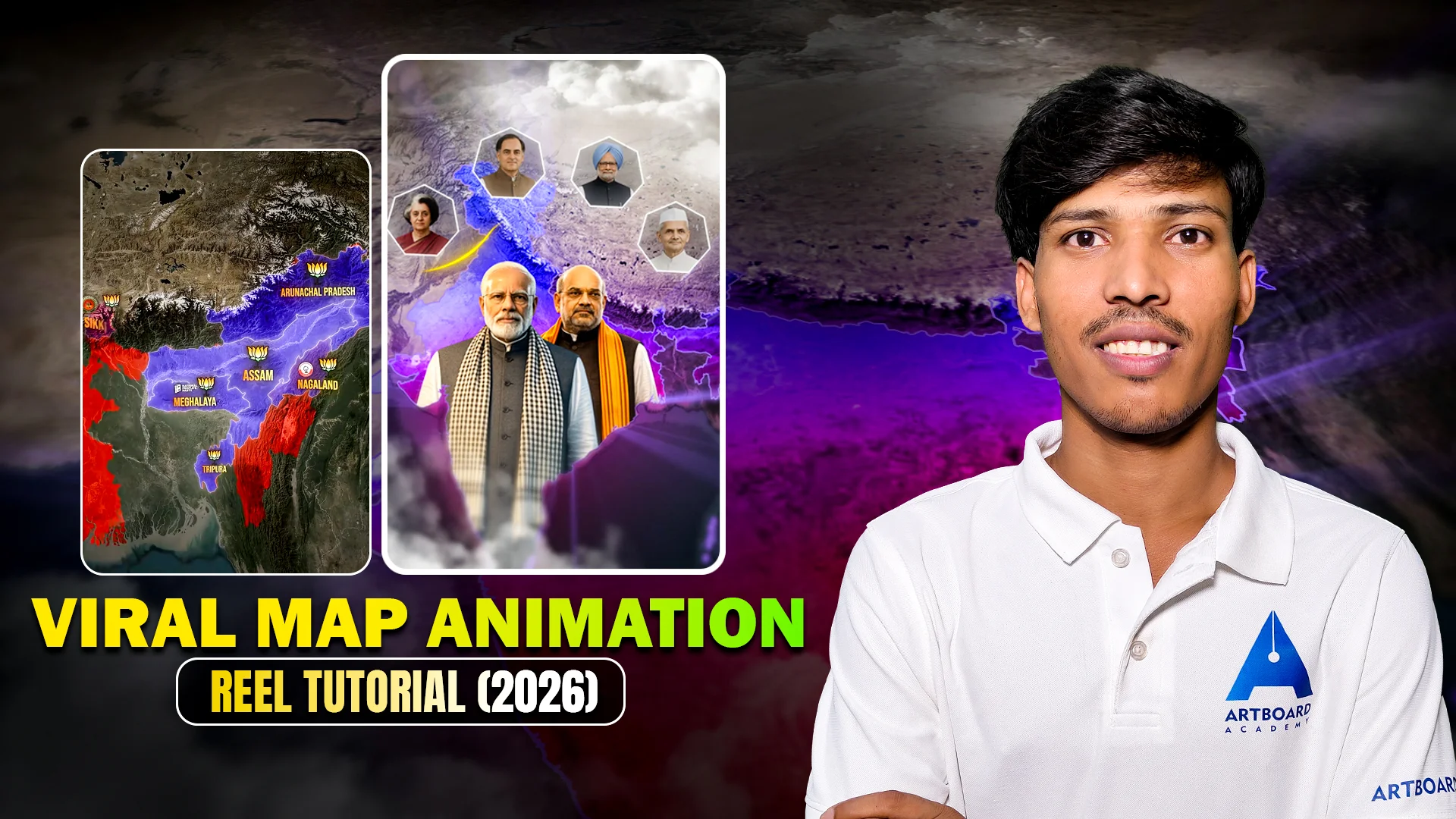
Viral Map Animation

Documentary Viral Map Animation

Free Resources 👇 👇 Download Project File Click on the Button below to Complete Download 👇 👇 Download Project File How to Download the Project File 1. Click the “Download Project File” button.2. The Add to Cart panel will open on the side of the screen. Review your order details.3.

Read More »

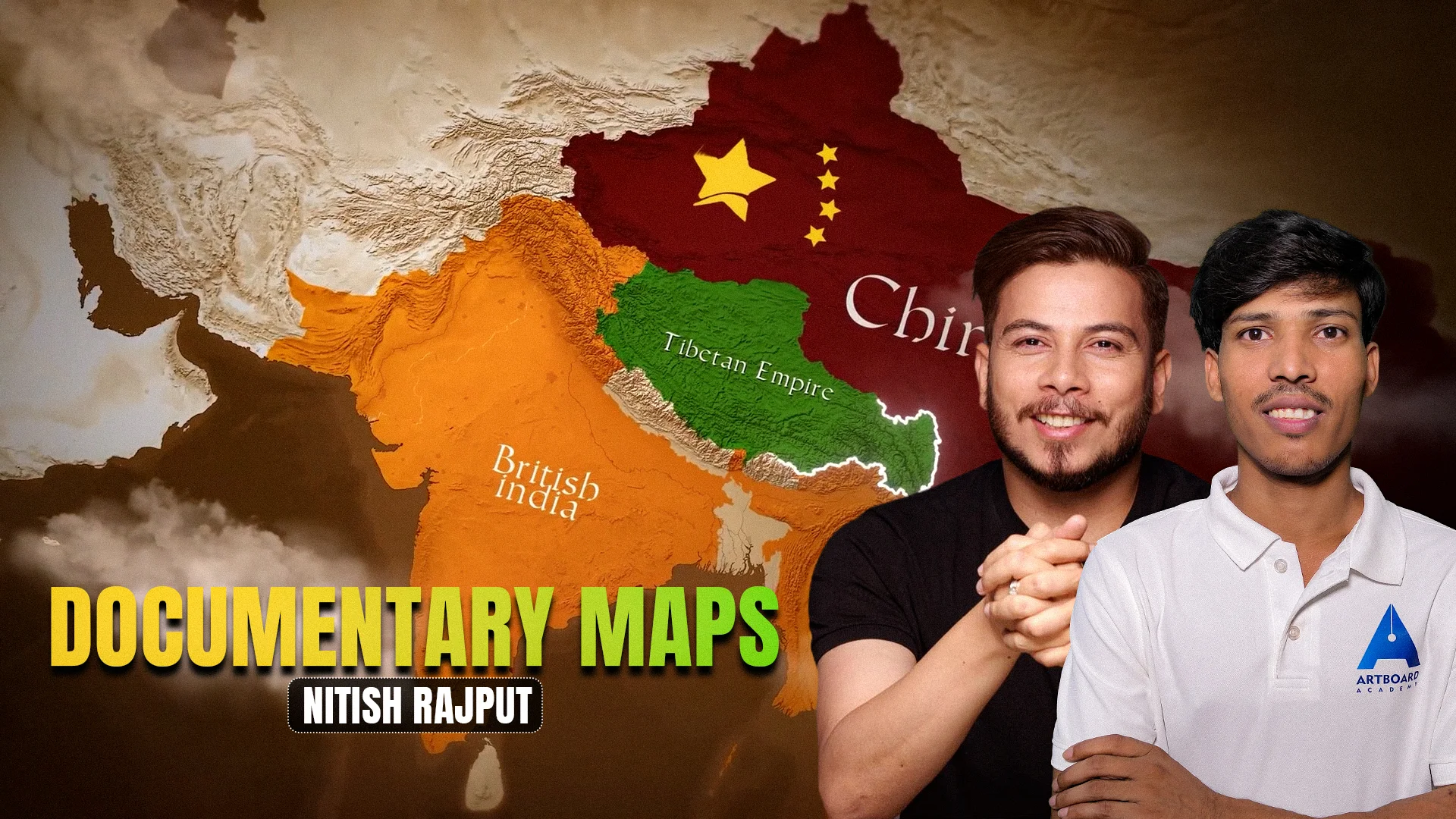
Documentary Map Editing in Nitish Style

Free Resources 👇 👇 Download Project File Click on the Button below to Complete Download 👇 👇 Download Project File How to Download the Project File 1. Click the “Download Project File” button.2. The Add to Cart panel will open on the side of the screen. Review your order details.3.

Read More »
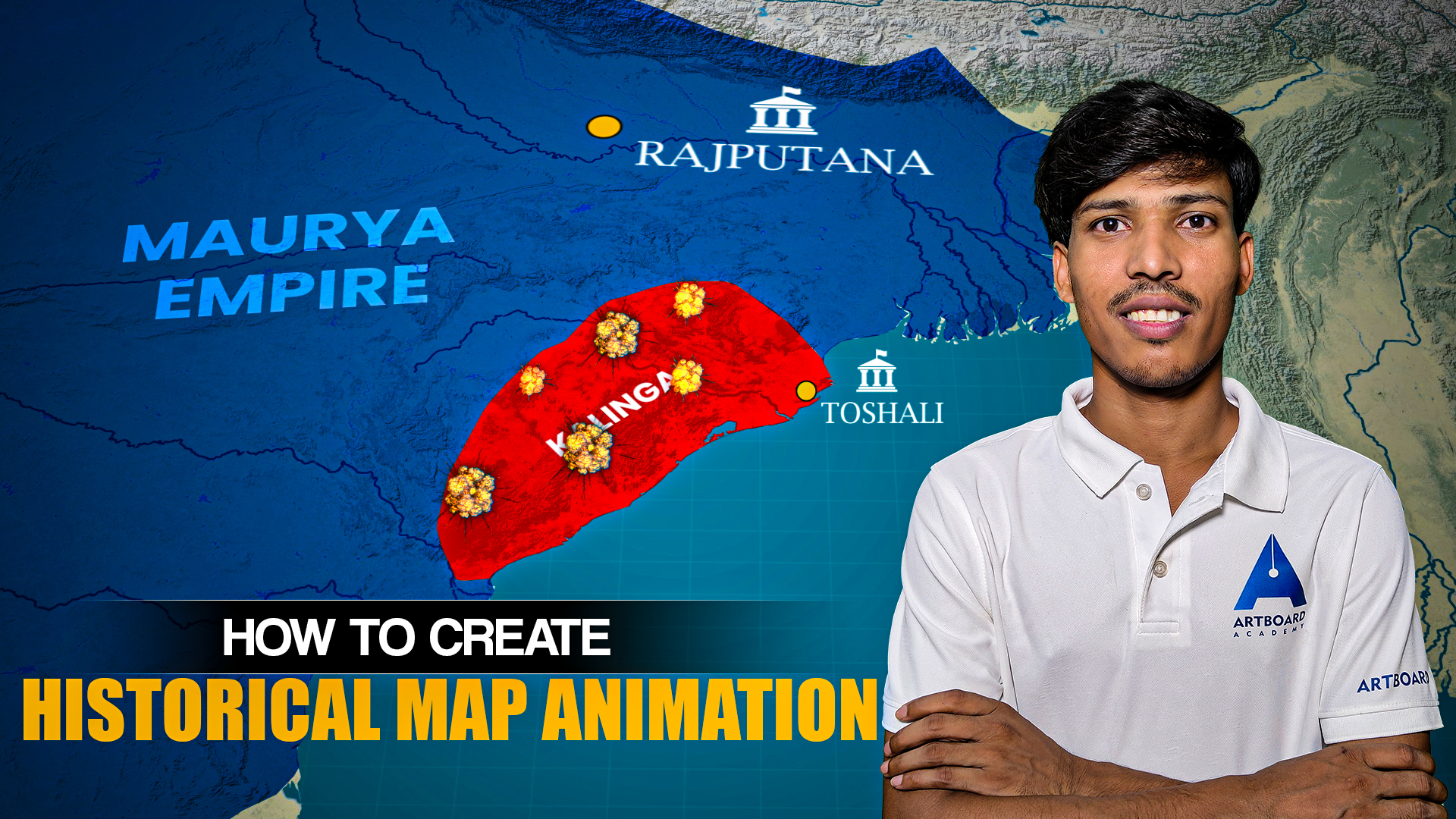
Viral Map Animation

Viral Map Animation Breakdown | Project File

Free Resources 👇 👇 Download Project File Click on the Button below to Complete Download 👇 👇 Download Project File How to Download the Project File 1. Click the “Download Project File” button.2. The Add to Cart panel will open on the side of the screen. Review your order details.3.

Read More »

Leave a Comment

Your email address will not be published. Required fields are marked *

0
    0
    Your Cart
    Your cart is empty