Artboard Academy

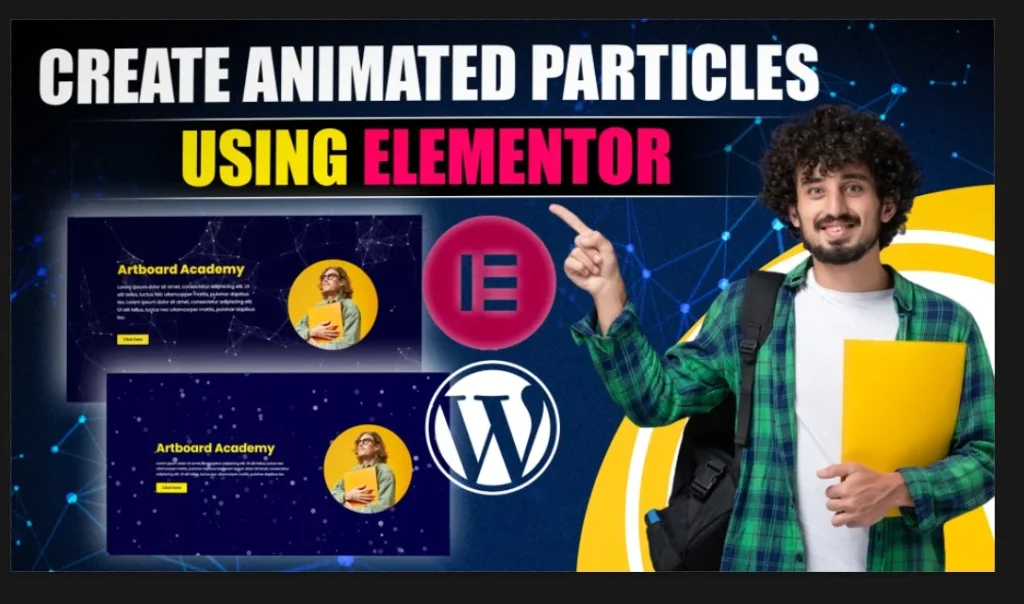
Animated Particles Effect in Elementor [No Plugins Required] 

Animated Particles

Free Resources 👇 👇

HTML Snippet 👇 👇

				
					<style>
.particles-js-canvas-el {
    width: 100%;
    height: 100%;
    position: absolute;
    z-index: -1;
    top: 0;
    left:0;
}
</style>
<script src="https://cdn.jsdelivr.net/particles.js/2.0.0/particles.min.js"></script> 
<script>
//JS Code Here
</script>


How to Create Animated Particles Using Elementor?

Step 1 – Click on create column > Click flexbox and create 2 columns with similar width > Make minimum height to 100VH.

Step 2 – Pick any color as per your preference > Drag Heading section to column first > Align it to center > Add subtext and button in the same column.

Step 3 – Add image to the second column > Align it to center > Select width to 360px > Radius will be 50% for all sides

Step 4 – Create Particles > Go to chrome search particles.js > Click on the first search result or click on download particles in free resources above > Create particles as per your requirement > Click on Codepen

Step 5 – Add HTML Code in first section > Code HTML Snippet from above and paste it.

Step 6 – Copy JS code from the particles.JS codepen > Paste it in between HTML Code where “JS Code Here” mentioned.

Thank You!
Related Articles

Viral Map Animation

Documentary Viral Map Animation

Free Resources 👇 👇 Download Project File Click on the Button below to Complete Download 👇 👇 Download Project File How to Download the Project File 1. Click the “Download Project File” button.2. The Add to Cart panel will open on the side of the screen. Review your order details.3.

Read More »

Documentary Map Editing in Nitish Style

Free Resources 👇 👇 Download Project File Click on the Button below to Complete Download 👇 👇 Download Project File How to Download the Project File 1. Click the “Download Project File” button.2. The Add to Cart panel will open on the side of the screen. Review your order details.3.

Read More »
Viral Map Animation

Viral Map Animation Breakdown | Project File

Free Resources 👇 👇 Download Project File Click on the Button below to Complete Download 👇 👇 Download Project File How to Download the Project File 1. Click the “Download Project File” button.2. The Add to Cart panel will open on the side of the screen. Review your order details.3.

Read More »

Leave a Comment

Your email address will not be published. Required fields are marked *

0
    0
    Your Cart
    Your cart is empty