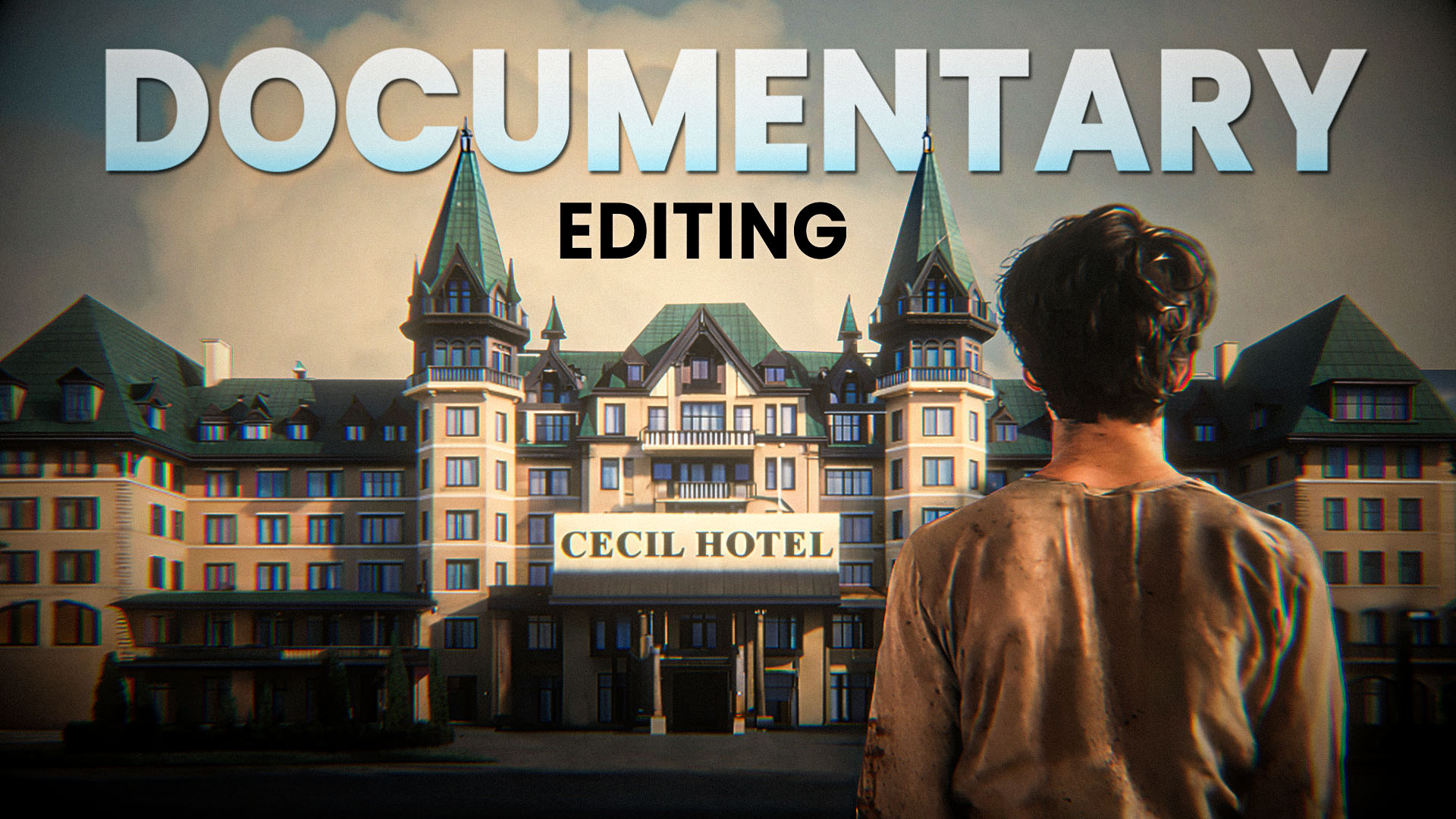
Documentary Editing Like Shivanshu Agarwal
Free Resources 👇 👇 Download Project File Fill the Form Below to Download Free Resources 👇 👇 https://youtu.be/DIOoSknZ9NY


Free Resources 👇 👇 Download Project File Fill the Form Below to Download Free Resources 👇 👇 https://youtu.be/DIOoSknZ9NY

Free Resources 👇 👇 Download Project File Fill the Form Below to Download Free Resources 👇 👇 https://youtu.be/7TeCmXXAABc
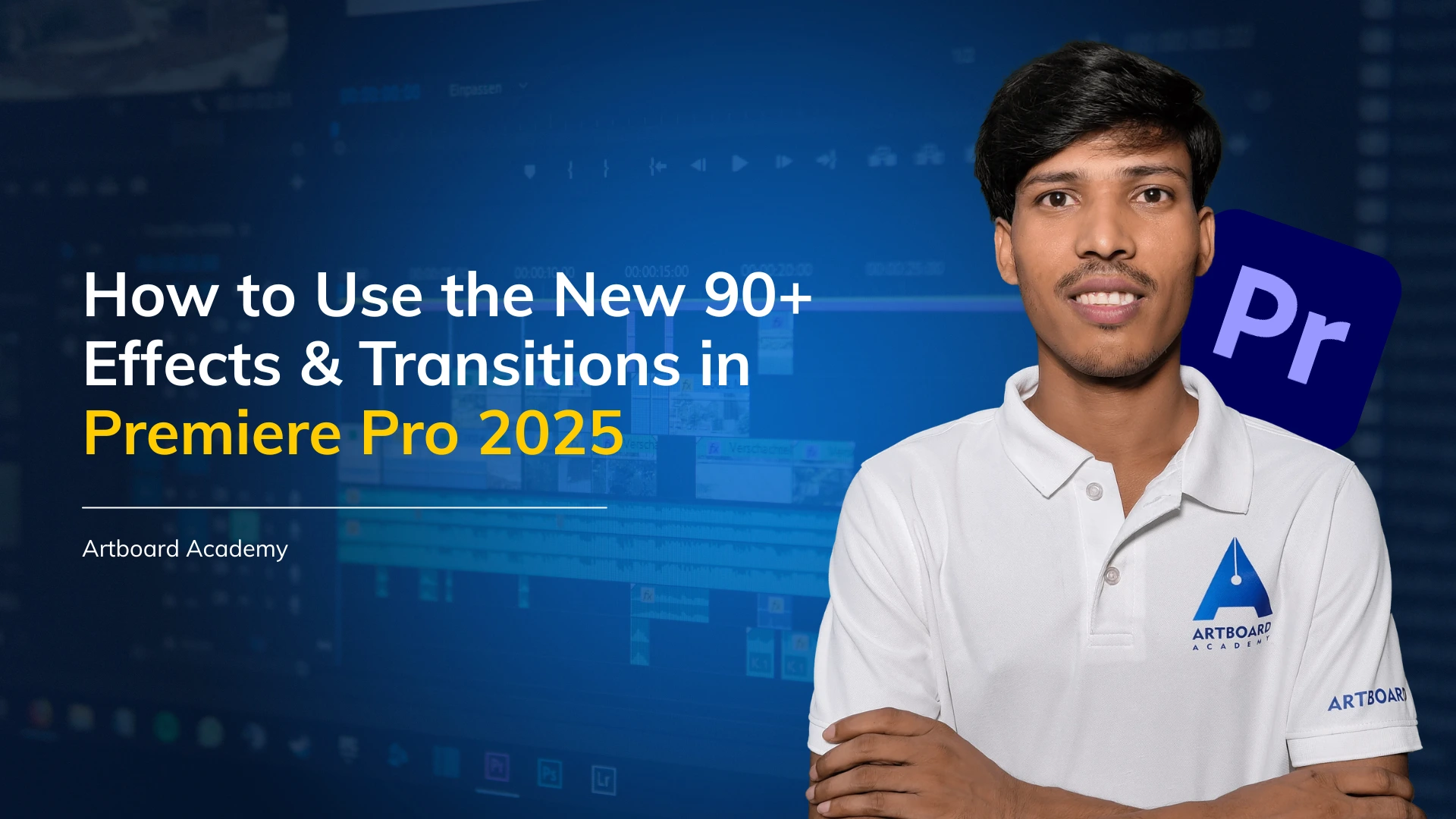
Premiere Pro 2025 has come with one of the biggest updates we’ve seen in a while. Adobe dropped 90+ new effects and transitions, and honestly, they’re a game-changer for editors who want their videos to look modern, fast, and visually engaging—without spending hours creating everything manually. If you’ve opened the
If you edit videos regularly, you already know how much time goes into simple actions—cutting, selecting, zooming, duplicating, and exporting. Doing everything with the mouse feels easy at first, but as your projects grow, the clicking becomes tiring and slow. That’s where keyboard shortcuts come in. They are small, but