MASTER DOCUMENTARY
MAP ANIMATION
+ AI-Powered Expression Code Magic
Join our 2-Hour Live Workshop and get ₹75,000+ worth of premium plugins FREE for lifetime.
- 05 Oct 25
- 4 Modules
- 2 Hours
GEOLAYERS PLUGIN FOR
AFTER EFFECTS
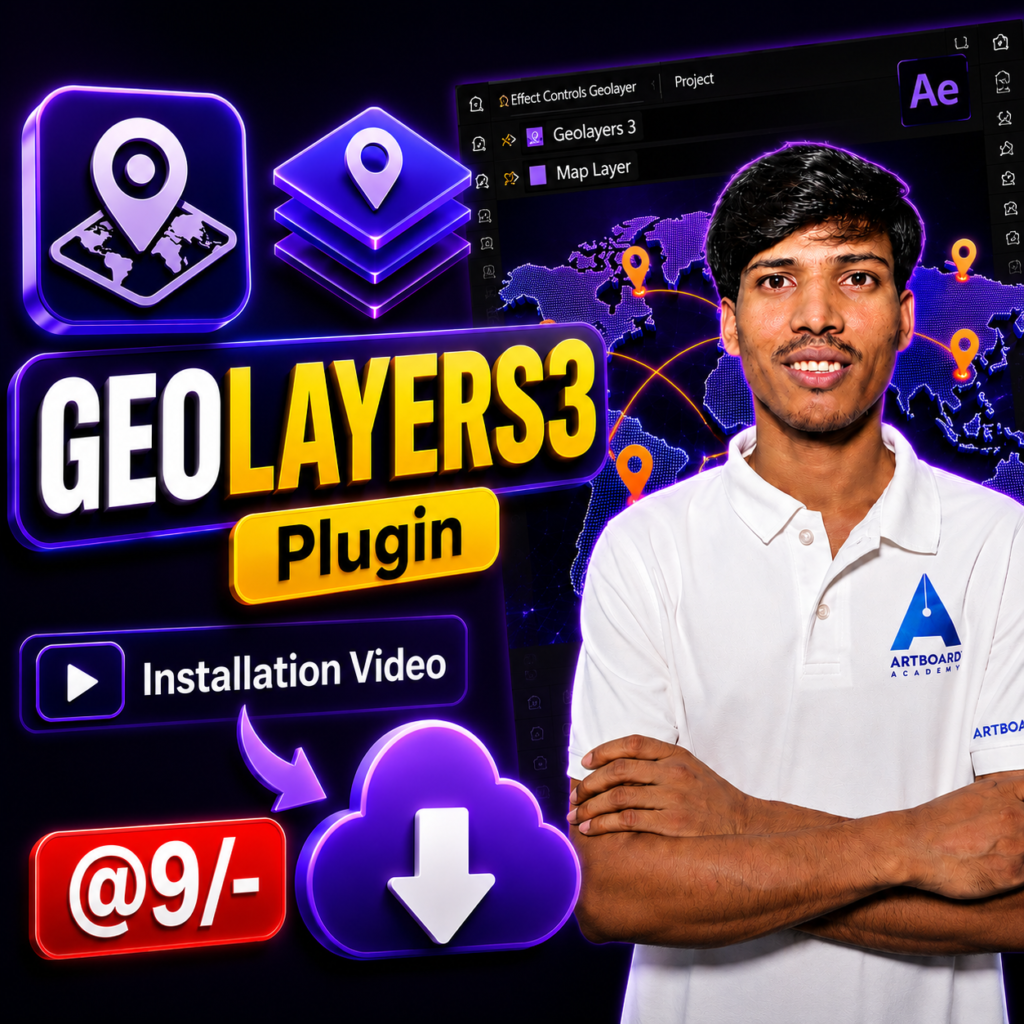
+ Installation Video
WHAT YOU'll learn
What You'll Get
- GeoLayers 3 Plugin
- Installation Guide
- Basic Setup Instructions
- Instant Access
- Affordable Price
Why Choose Us?
STANDOUT FEATURES OF ARTBOARD ACADEMY'S INSTALLATION VIDEO
Easy Installation Process
Follow a simple and beginner-friendly process to install GeoLayers 3 without confusion. Every step is explained clearly so you can get started quickly.
Learn From Expert
The tutorial is created by an After Effects professional who has worked extensively with GeoLayers, map animations, and motion graphics workflows.
Quick Setup & Activation
Learn how to install, activate, and configure GeoLayers 3 properly so you can avoid common setup errors and start working immediately.
Lifetime Access
Watch the installation video anytime, anywhere. Revisit the tutorial whenever you need to reinstall or troubleshoot the plugin.
WHAT CAN YOU CREATE WITH GEOLAYERS 3?
WHAT YOU'LL BE ABLE TO DO
- Design cinematic travel routes
- Create animated location pins
- Build zoom-in and zoom-out map transitions
- Produce documentary-style map animations
- Display cities, countries, and regions
- Import map layers directly into After Effects
- Create data-driven map visualizations
- Design engaging educational content
- Reduce manual map design work
- Generate professional results quickly
- Deliver high-quality motion graphics
- Improve workflow efficiency
- Travel videos
- YouTube documentaries
- News graphics
- Corporate presentations
- Social media content
What is the outcome?
Experience the power of artboard academy
30%
Average Salary Hike
82%
Achieved Outcomes
100+
Free Resources
20+
Free Tools & Plugins
PRADEEP PATEL
A Youtube Creator, Video Editor, Freelancer
Hey, I’m Pradeep Patel — a video editor and designer with over 5 years of hands-on experience in the creative industry.
Through this channel, I’m here to share practical tips, creative techniques, and real-world insights that I’ve gained from freelancing — so you can sharpen your skills and grow as a professional.
– Master the fundamentals of video editing and design
– Learn advanced workflows and creative hacks
– Manage clients like a pro
– And build a sustainable freelance career
Master 50+ essential industry tools & plugins
After Effects
Premiere Pro
Photoshop

WordPress

Mister Horse

Geolayers

Elementor

Chat GPT

Analytics

Google Ads
frequently asked questions
GeoLayers 3 is a powerful Adobe After Effects plugin that allows you to create professional animated maps, travel routes, location pins, zoom transitions, and geographic motion graphics directly inside After Effects.
You will receive access to the GeoLayers 3 plugin along with installation instructions to help you set it up and start using it quickly.
Yes, GeoLayers 3 is designed specifically for Adobe After Effects. Please ensure your version of After Effects meets the plugin’s system requirements.
No. Beginners can use the plugin with basic After Effects knowledge. Advanced users can take advantage of its powerful mapping and animation features for professional projects.
You can create animated maps, travel routes, location pin animations, country highlights, flight paths, documentary graphics, news visuals, YouTube map animations, and more.
After successful payment, you’ll receive the plugin access details and installation instructions through the provided delivery method.
The GeoLayers 3 Plugin is available for only @9/-.
Yes. GeoLayers 3 is widely used by motion designers, freelancers, agencies, and content creators for professional client work.
Simply complete the purchase process. Once your order is confirmed, you’ll receive the plugin details and instructions to access and install GeoLayers 3.