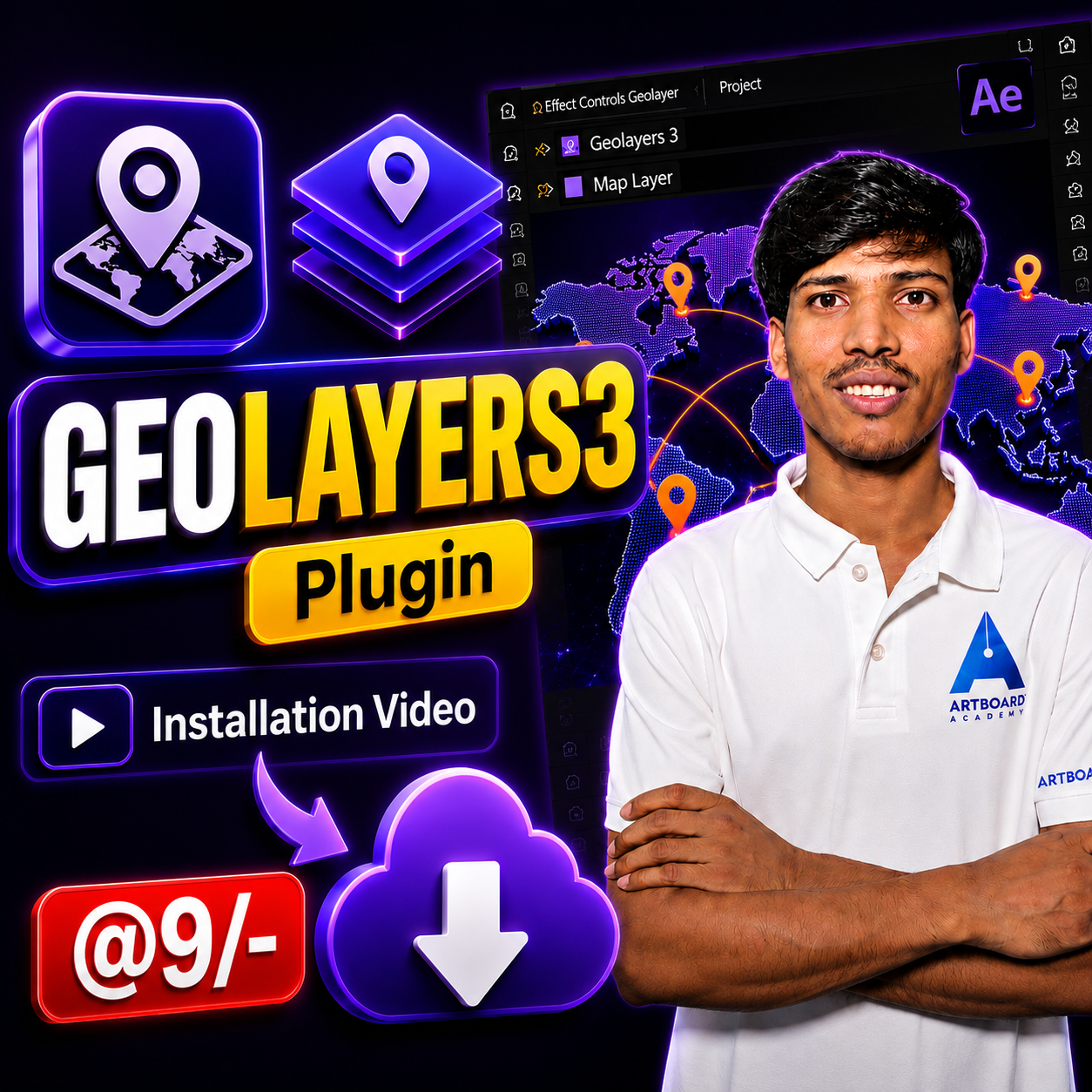
GeoLayers 3 Plugin for After Effects – Installation Video
Get instant access to a detailed installation tutorial for GeoLayers 3. Perfect for motion designers, video editors, and content creators who want to create stunning map animations in After Effects. Includes plugin setup, configuration, and troubleshooting tips.
₹9.00
Out of stock
Master the installation and setup process of GeoLayers 3 for Adobe After Effects with this comprehensive video tutorial. Designed for beginners and professionals alike, this installation guide walks you through every step required to successfully install, activate, and configure the GeoLayers 3 plugin on your system.
GeoLayers 3 is one of the most powerful mapping and geospatial animation tools available for After Effects, allowing creators to build stunning animated maps, location-based motion graphics, travel videos, documentaries, news visuals, and data-driven animations. This tutorial ensures that you can get the plugin running quickly and correctly without any confusion.
Inside the video, you’ll learn how to download and install the plugin, configure the required settings, activate the software, connect map services, and troubleshoot common installation issues. The tutorial is presented in a simple, easy-to-follow format, making it suitable even for users with no prior experience using GeoLayers.
Whether you’re a motion designer, video editor, content creator, freelancer, or agency professional, this installation video will help you start using GeoLayers 3 efficiently and unlock its powerful map animation capabilities within Adobe After Effects.
Learners Reviews
Learners May Also Ask
These courses are designed for beginners, intermediate learners, and professionals who want to improve their skills in video editing, graphic design, digital marketing, and website development.These courses are designed for beginners, intermediate learners, and professionals who want to improve their skills in video editing, graphic design, digital marketing, and website development.
No prior experience is required! Each course is beginner-friendly and guides you step-by-step from the basics to advanced techniques.
- After Effects: Motion graphics, visual effects, animation, and GeoLayers for map animation.
-Premiere Pro: Professional video editing, color grading, transitions, and exporting high-quality videos.
-Photoshop: Photo editing, graphic design, retouching, and digital artwork creation.
-Digital Marketing: SEO, social media marketing, Google Ads, content marketing, and analytics.
-WordPress: Website creation, customization, themes, plugins, and e-commerce setup.
Adobe After Effects CC, Adobe Premiere Pro CC, Adobe Photoshop CC, A web browser and WordPress for website development and Digital marketing tools (free & paid) will be introduced during the course
You get lifetime access, so you can learn at your own pace and revisit the lessons anytime.
Yes, each course includes practical exercises and projects to help you apply what you’ve learned.
Yes, all courses are accessible on desktop, tablet, and mobile devices for learning on the go.
Absolutely! You’ll have full support from the instructor and a community of learners to help you throughout your learning journey.
Reviews
There are no reviews yet.